How to Generate a Magic QR
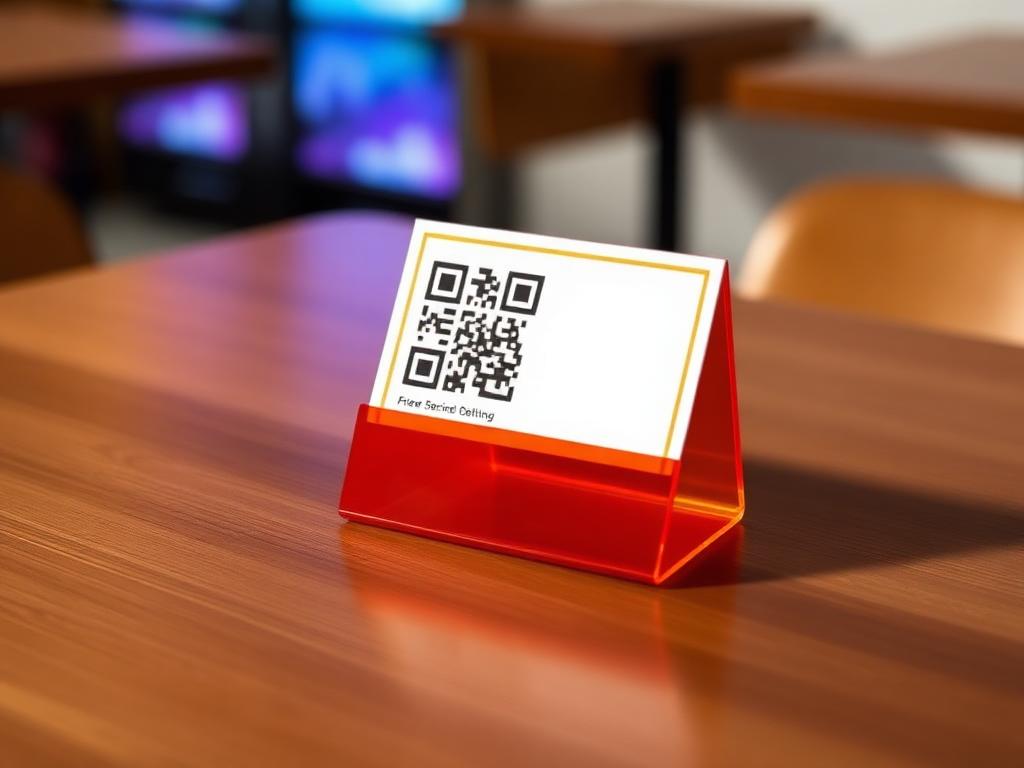
Magic QR turns any counter, receipt or table tent into a one-tap path to a fresh 5-star Google review. Happy customers go to Google; unhappy ones reach you privately first.
How it works
Open Magic QR Studio
In your Vizogen dashboard, open Magic QR and pick the location you want to collect reviews for.
Customise Your Code
Add your logo, brand colours and a headline like 'Loved us? Rate us!' — the QR matches your business, not a generic black square.
Set the Smart Routing
4–5 star ratings go straight to your Google review page. Lower ratings open a private feedback form so you can fix issues first.
Print & Track
Download print-ready files for counters, tables and receipts. Every scan is tracked per location in your dashboard.
10 Magic QR Examples
How real businesses place their Magic QR to collect reviews at the exact moment customers are happiest.
01
Table Tent
“A tent card on every table: 'Enjoyed your meal? Scan to rate us on Google!' — scans peak right after dessert.”
02
Bill Folder
“QR printed inside the bill folder with 'Thank you! 10 seconds for 5 stars?' — catches guests at payment time.”
03
Mirror Sticker
“Sticker on the styling mirror: 'Love your new look? Tell Google!' — clients scan while admiring the result.”
04
Front Desk Stand
“Counter standee at check-out: 'Crushed today's workout? Rate us!' — members scan on their way out.”
05
Reception Card
“Small card at reception handed with the prescription: 'How was your visit today?' — private feedback first for unhappy patients.”
06
Cake Box Print
“QR printed on every cake box: 'Made your celebration sweeter? Review us!' — reviews arrive the same evening.”
07
Service Tag
“Hanging tag on the rear-view mirror after service: 'Happy with the ride? Scan & rate!' — seen the moment they drive off.”
08
Certificate Corner
“QR on course-completion certificates: 'Proud of your achievement? Rate your experience!' — parents scan it too.”
09
Invoice Footer
“QR at the bottom of every invoice: 'Fixed it right? One tap to review!' — works even for digital invoices.”
10
Open House Sign
“QR on the 'Sold' board and open-house signage: 'Loved the tour? Share your experience!' — builds agent reputation fast.”
Turn walk-ins into 5-star reviews
Generate your branded Magic QR in 60 seconds — and watch your Google rating climb on autopilot.